MSP Backups documentation
MSP Backups is a self-hosted, multi-tenant backup platform for MSPs. You run the server, your agents back up your clients' devices, and the encrypted data goes to storage you choose: an S3-compatible bucket, an SMB share or an NFS export.
How it fits together
- The server runs the web portals and the API, keeps track of tenants, devices and restore points, and sends each agent its settings. It stores no backup data and no encryption keys.
- Agents run as a service on each device. An agent splits files into chunks, compresses and encrypts them, and writes them straight to the storage target. Only then does it tell the server about the new restore point.
- Storage targets hold the encrypted chunks and manifests. On S3 storage they are locked against deletion with Object Lock.
The encryption key comes from a backup passphrase that never leaves the device, so your server cannot read a backup. See Encryption and key recovery before you deploy agents.
The three portals
| Portal | Who uses it | What it is for |
|---|---|---|
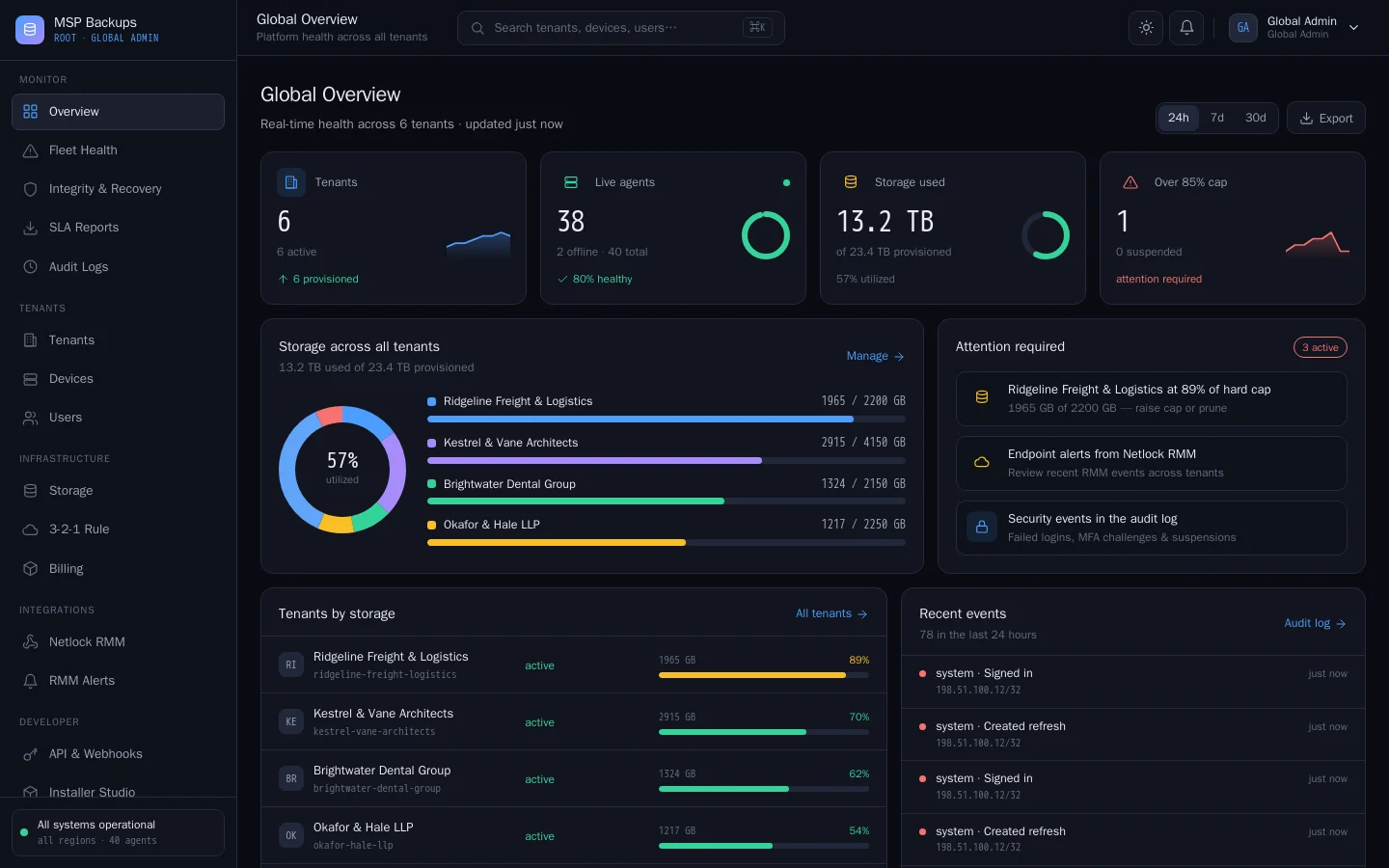
| Global admin | Your MSP team | All tenants, storage targets, fleet health, recovery checks, reports, billing, platform settings |
| Tenant admin | A client's administrator, or your team on the client's behalf | That client's agents, users, policies, backup sources, installers and storage |
| User | A client's staff | Their own restore points, file restores and the agent download |
Everyone signs in at the same address. The server sends each person to the portal their role allows.
Where to start
- Check the requirements.
- Install the server with the installer (ships with version 1.0).
- Create your first tenant.
- Deploy agents to the client's devices.
- Run and check your first backup.
Works with CVN PSA
If you run CVN PSA, connect the two and each device in the PSA shows its latest backup result. Failed and stale backups open tickets. See CVN PSA.