Restoring files and folders
There are three ways to get files back. Pick by where the files need to go and where the backup is stored.
| Method | Where files go | Who decrypts | Needs |
|---|---|---|---|
| Download in the browser | The computer you are using | Your browser | S3 storage, the passphrase |
| Restore in place | The original location on the device | The device's agent | The device online |
| Command line or desktop app | Any folder on the device | The device's agent | Access to the device |
Find a restore point
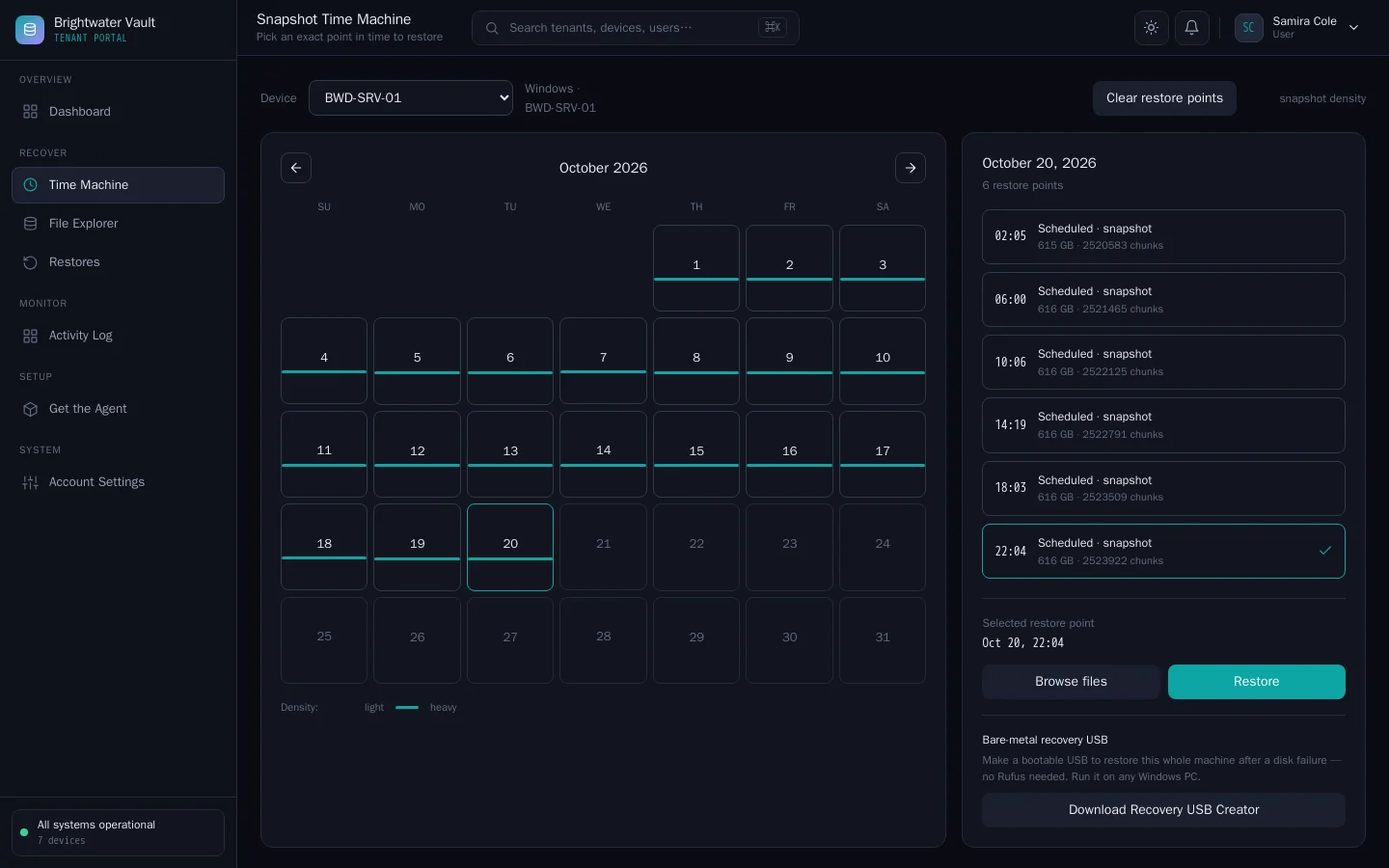
In the user portal, open Time Machine and choose the device. Pick a date on the calendar to see that day's restore points.
Download in the browser
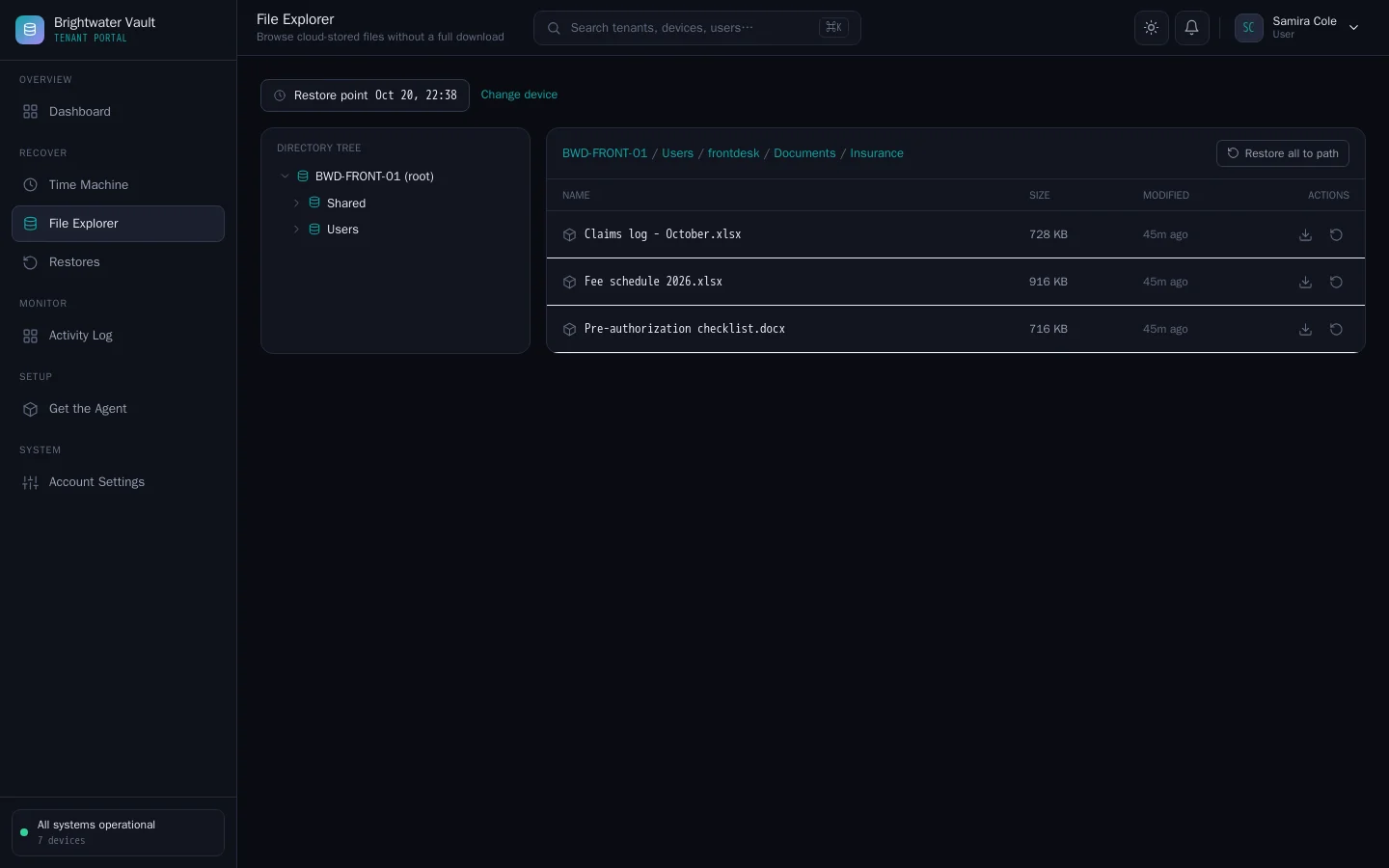
- Open the restore point in File Explorer.
- Enter the device's backup passphrase. The page derives the key and decrypts in your browser. The passphrase is not sent to the server.
- Browse the folders.
- Download a single file, or download a folder as a
.zip.
The server sends only encrypted chunks to your browser, read from the tenant's S3 storage. Each download is listed under Restores.
If the page says it couldn't unlock the restore point, the passphrase is wrong, or the backup is on SMB or NFS storage, which the server cannot read. Use a restore in place instead.
Restore in place
- In File Explorer or Time Machine, choose the restore action on a file, a folder or the whole restore point.
- Confirm. The agent on the device receives the command, decrypts with the key it holds and writes the files back to their original location.
No passphrase is typed in the browser for this. The agent overwrites files that exist, so restore to a different folder first if you are unsure. Progress appears under Restores.
The device must be online and connected. Restores in place work with every storage type.
On the device
-
Windows desktop app: open Restore, pick a restore point and restore one file, a folder or everything, to the original place or a folder you choose.
-
Command line:
cvn-agent restore --config /etc/cvn-agent/agent.json --dest /srv/restore --snapshot <id> --path documents/report.docxLeave out
--pathto restore everything. Use--snapshot latestfor the newest restore point. See Agent command line.
Restoring onto another machine
To restore a device's files onto a different machine, install an agent there with the original device's agent.json (so it reads that device's restore points) and the original passphrase, then use cvn-agent restore. For a whole machine, see Bare-metal and VM recovery.
Restores and the egress guard
When Egress guard is on (global admin Settings > Storage & retention), the server alerts your notification channels if a tenant downloads more than 20 GB of restores in an hour. It does not block the download. It tells you to check whether the activity is expected.